
How Double-Bookings Happen, and How to Stop Them
A look at why catering teams lose track of orders, shifts, and dietary notes when work is spread across spreadsheets and chats, and what changes when it all lives in one place.
It is Saturday morning. You have three events booked: a wedding at noon, a corporate lunch at one, and a birthday in the evening. Your head chef texts to confirm the wedding, and that is when you realize they are also down for the corporate lunch across town. Somewhere in a group chat from Tuesday, a guest count changed and nobody updated the prep list. The bride mentioned a nut allergy on a phone call you took while driving.
None of these are dramatic failures. They are small gaps, and on a quiet week you catch them. On a busy one, they stack up and turn into a scramble.
Why the gaps appear
Most catering teams do not lose track of things because they are careless. They lose track because the information lives in too many places. The order is in your inbox, the schedule is in a spreadsheet, the menu is in a shared doc, and the important details get added later in a chat thread that the kitchen never reads.
Every handoff between those places is a chance for something to fall out. A shift gets double-booked because the schedule and the calendar disagree. A dietary note never reaches prep because it was only ever a text message. The guest count is right in one file and wrong in another, and the kitchen happens to open the wrong one.
The cost is rarely a single big mistake. It is the half hour you spend every morning cross-checking files, the phone calls to confirm what should already be confirmed, and the slow erosion of trust when a client notices you forgot what they told you.
What changes with one workflow
The fix is not another app to bolt on. It is putting the order, the schedule, the menu, and the details in the same place, so a change in one is a change everywhere.
That is what Quickater does:
- Order management: every order is captured once, from first inquiry to delivery, with the details attached to it instead of scattered across messages.
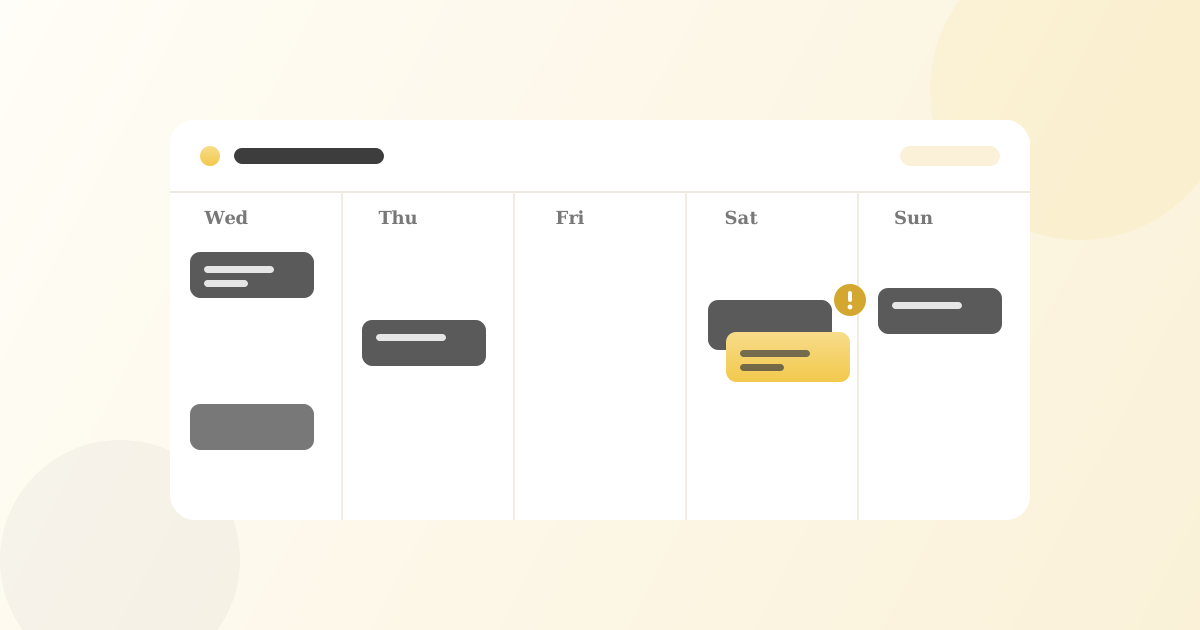
- Staff scheduling: assignments are tied to events, so a double-booking shows up before it becomes a Saturday problem.
- Event calendar: the whole week is on one screen, so nobody plans against a version of the schedule that changed yesterday.
- Menu management: offerings and pricing stay consistent, and a dietary note added to an order is visible to the people doing prep.
When the schedule, the orders, and the kitchen all read from the same source, the small gaps stop turning into the morning scramble.
You do not need a bigger team to run smoother events. You need everyone looking at the same picture.
Where to start
You do not have to move everything at once. Import your existing menus, add your team, and put your next event into the Quickater calendar. Run one week through it and see how many of those Tuesday-chat details you stop chasing.
Want to see how it fits the way you already work? Get in touch and we will walk you through it.